Just restart the damn device

Here’s the deal: sometimes, I overcomplicate things. While it’s not always my fault, at times, I should know better. Today, I’ll let you be the judge.
To avoid this being the type of post I can’t stand from certain recipe websites, here’s a breakdown of the deal.
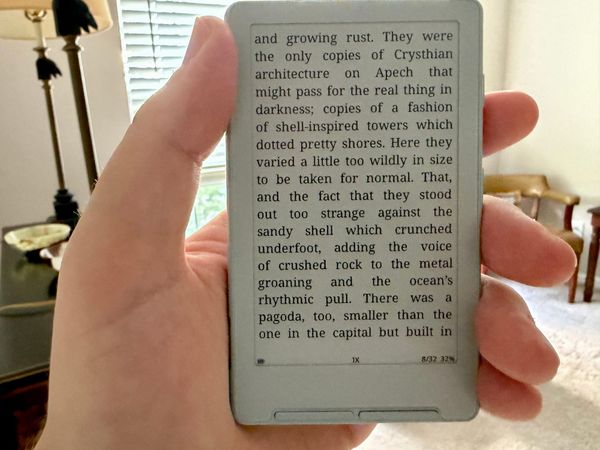
- I have a Boox Leaf2
- I wanted to transfer a book to it from macOS Tahoe using Calibre
- The device kept trying to charge my laptop
- I tried a ton of things
- I fixed it by just restarting the device and trying again
Now let’s get into the story. I remember being a kid, and my dad telling me to “just turn it off and turn it back on” to fix our late 90s/early 00s tech. Over the years, it hasn’t really mattered if it were game consoles, phones, computers, etc, that tip has been useful.
The problem sometimes comes in when I don’t just try that to begin with. I think it’s something deeper, something more technologically insidious that I’ll be able to troubleshoot and officially fix. Is it a pride thing? Maybe? Or is it just a matter of not starting with the basics. Regardless, I ran the entire damn gamut to try and fix this Leaf2 device.
I knew from the beginning that the issue was the Leaf2 not using the correct USB preferences for being connected to my MacBook. (By the way, I’m using an M1 MacBook Pro running macOS 26.) Every time I plugged in and unplugged the Leaf2, it was trying to charge my MacBook. Please no, my guy.
An initial Google of the situation turned up Boox help pages that don’t exist anymore and Reddit threads telling me to change the device’s USB preferences. The way those posts were telling me to do so were to drag down from the top of the screen to reveal the notification area, allowing me to change the USB preferences to allow data transfer instead of power. I opened the notifications, and there was nothing. I unplugged, plugged back in, and same thing.
On the Leaf2, the Control Center is equally unhelpful. There isn’t a way to get to USB options. I also tried digging through device settings. That dig was brief in nature because it turns out that the Leaf2, despite running a version of Android does not offer traditional device settings (that I can find, so if you know of a way for me to access these, please let me know and I will update this post!). This lack of accessible settings actually brings me to a broader issue I have with the Leaf2 device, which I won’t go into in detail here, but I don’t love Android as the basis for an eink device. I’ll leave it there, and maybe I’ll write about that some other time.
The internet posts also said I needed an application that allowed me to control the Android device using macOS. This is correct, which is why I have Calibre. I should also say that I’ve used the Leaf2 with this new-to-me MacBook a handful of times without this issue. So I followed the advice of several posts which called out OpenMTP as a solid choice for controlling Android devices on macOS. And yes, I full-well knew it wouldn’t make sense that installing this app wouldn’t magically make a device appear connected for data transfer if it hadn’t been previously. But I was several minutes into this journey and a handful of unplugging/replugging that I was hellbent on trying something. OpenMTP seems like a great option that I will keep on my laptop for potential future use. However, no dice in this instance (as anticipated).
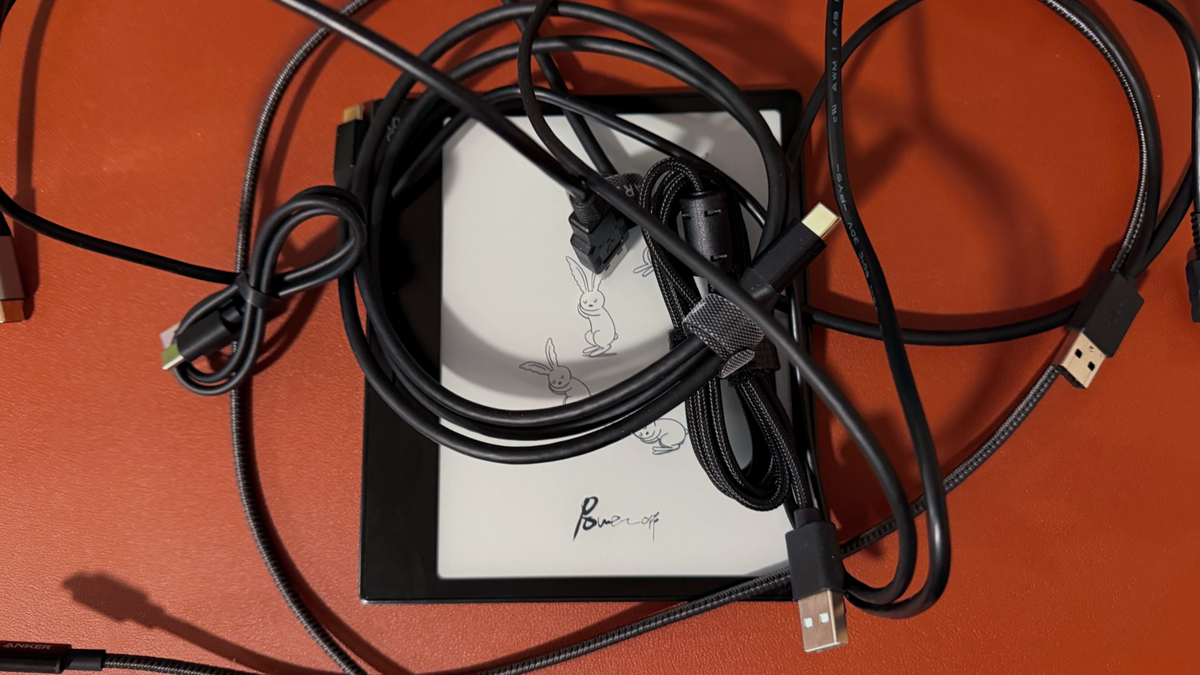
Then I had a lightbulb moment: wait, am I using a charge-only USB-C cable?? Dear reader, always check that you are using the correct cable. I pulled two or three other cables from storage and tried them, and lo and behold, it worked! (Just kidding. You read the beginning of this post, right?) None of these cables worked. The thing is though, I don’t know the origin of so many of my storage cables. Who the hell knows if they are data transfer cables? So back to determining if my original cable would work. I do know its origin. It is a 3-foot Anker high speed braided cable. So I looked it up on Amazon to confirm that it does indeed allow data transfer.
It was in that moment that I looked to the right and realized that I literally unplugged the cable from an external SSD to use on the Leaf2. The amount of dumb I felt in that moment was real, dear reader.
So at my lowest, I do what could’ve been done at the beginning, what my dad told me a hundred times as a kid, what I’ve done hundreds of times in my life. I turned the damn Leaf2 off and turned it back on. Upon reboot, I plugged it in, checked the Notification Center, and there was the option that had alluded me for much of an hour. I activated data transfer, pulled up Calibre, and transferred the book within ten seconds.
I could’ve saved a lot of time by just trying the simplest of solutions first, and that’s what I’m going to challenge myself to do over the next week. If a problem has a seemingly simple solution, take it and ask no questions.
And for you out there with tech issues that seem to lead down rabbit trails and dead ends, allow me to ask: have you turned it off and turned it back on?
As a note, I do not receive any compensation from any of the links shared above, but I want to provide an easy way for you to find the things I’m talking about in this post. Also, I may include affiliate links in the future, so I want to get in the habit of hyperlinking. Thanks.